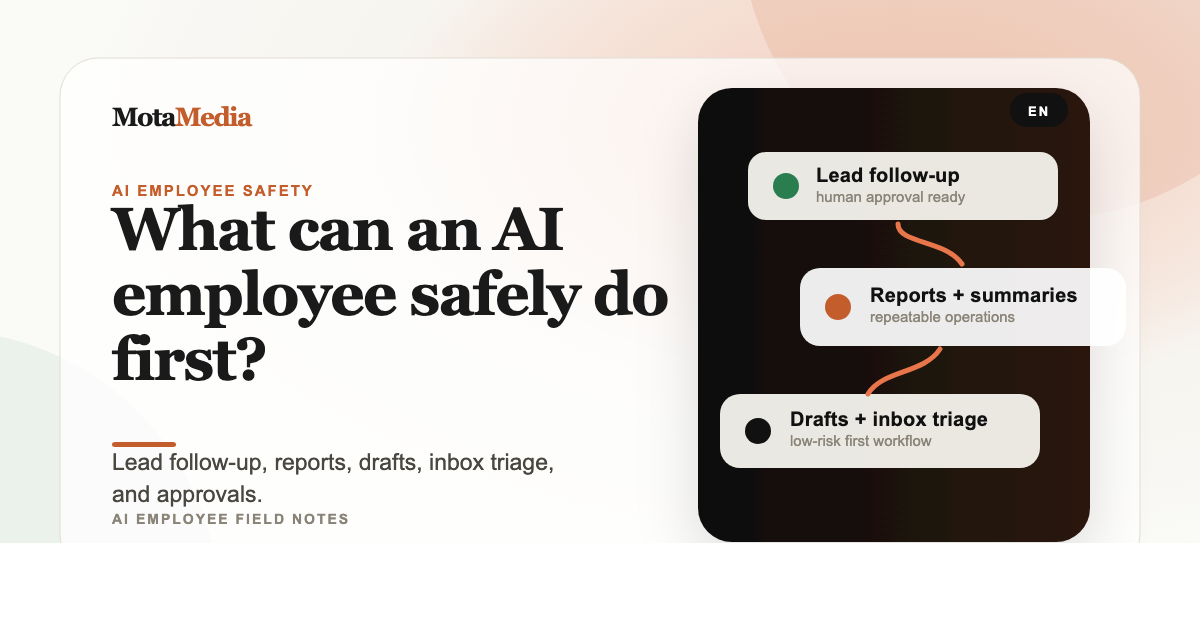
An AI employee can safely handle repetitive workflows that already have clear rules: lead follow-up, summaries, drafts, reporting, research, inbox triage, and internal checklists. Anything involving money, legal commitments, health, public publishing, or account access should start with human approval.
Start with low-risk, high-repeat work
A small business should not start by giving an AI agent total control. Start where the work is repetitive, the success criteria are clear, and the output can be checked quickly. That is where AI saves time without adding unnecessary risk.
The first useful AI employee usually works like an operations assistant: it gathers context, drafts the next step, updates structured records, and asks for approval before anything sensitive goes out.
The best first workflows
- Lead follow-up: respond quickly, classify interest, draft replies, and prepare booking links.
- Transcript processing: turn meetings into summaries, action plans, content ideas, and client workflow documents.
- Content drafts: write LinkedIn posts, blog outlines, captions, email drafts, and reusable sales notes.
- Reporting: pull numbers, summarize changes, flag anomalies, and prepare weekly updates.
- Inbox triage: classify messages, highlight urgent items, and draft suggested replies.
- Client onboarding: check missing assets, prepare reminders, and keep the process moving.
Where human approval still matters
Human approval is not a weakness. It is how you make the AI employee safe enough to use in real operations. The agent can do 80% of the work and stop at the point where judgment, money, public reputation, or client trust is involved.
- Approving final public posts.
- Sending proposals, invoices, refunds, or payment instructions.
- Changing account permissions or connected apps.
- Making final legal, medical, HR, or financial decisions.
- Sending sensitive client data to a third-party platform.
Give the agent only the access it needs
A practical AI employee should have scoped permissions. If it only writes drafts, it does not need publishing access. If it only reads transcripts, it does not need your billing system. The smaller the permission set, the easier it is to trust the workflow.
A simple automation scorecard
Before automating a workflow, score it with five questions:
- Is the task repeated every week?
- Are the rules already clear?
- Can the output be reviewed quickly?
- Does a mistake create low or manageable risk?
- Will the workflow save enough time to justify setup?
If the answer is yes to most of these, it is a strong candidate for your first AI employee workflow.
Want help choosing the safest first workflow?
We map the job, tools, permissions, approval points, and launch plan before building anything.
Book a Free Consult →